Features
A short introduction to Port Scanner, Broken Link Scanner and Domain Sniper.
SEO optimization with our tools
Fix broken links
404/410 errors and redirect chains waste crawl budget and harm the user experience. Use the Broken Link Checker to find broken links, prioritize internal hits, and export a to-do list.
Open Broken Link CheckerAvailability & security
Rankings require uptime. Use the Port Scanner to check open services (e.g., 80/443), reveal misconfigurations, and reduce the attack surface — contributing to stable SEO performance.
Open Port ScannerDomain strategy
Use Domain Sniper to watch desired domains and spot opportunities for brand or keyword domains. Ensure clean 301 redirects and consistent canonicals to avoid duplicate content.
Open Domain Sniper Sie müssen eingeloggt sein, um diese Tools zu verwendenPort Scanner
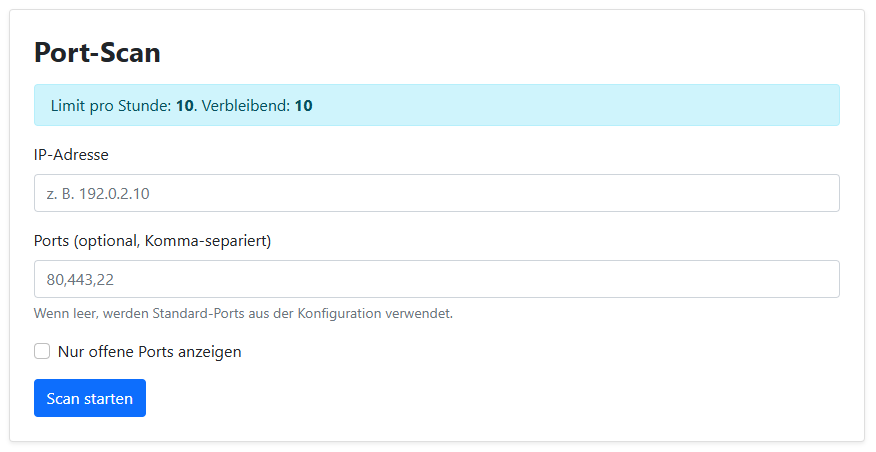
Check open ports of an IP address. Enter IP and ports and start the scan.
- Enter IP address (e.g. 192.168.0.1)
- Define ports (list or range)
- Start scan and review results
Broken Link Scanner
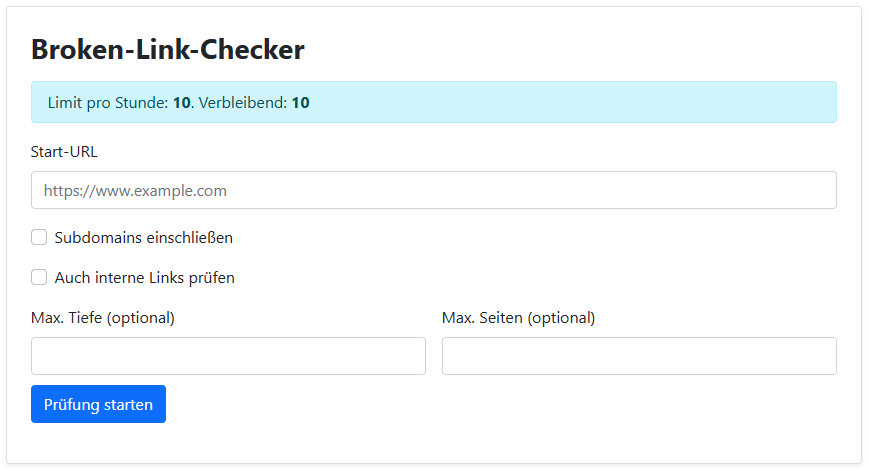
Crawls a website and lists external links that are not reachable (e.g. 404).
- Provide the start URL
- Start the crawler and wait until the check is finished
- Filter, group and export results (CSV/JSON)
Domain Sniper
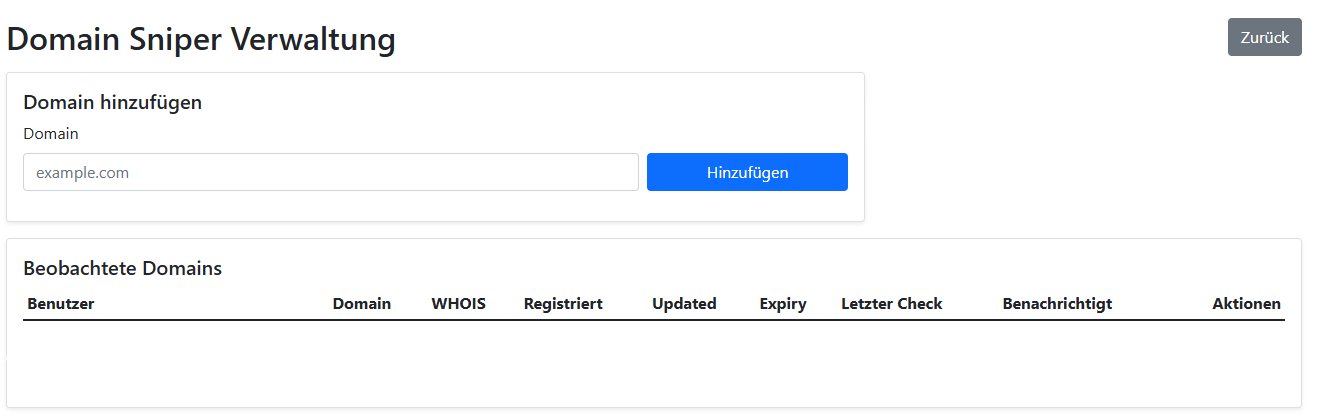
Helps to monitor and find domains that are becoming available.
- Add desired domain(s)
- Configure monitoring or search rules
- Check notifications/lists of available domains
Note: Features may vary depending on user permissions and system configuration.